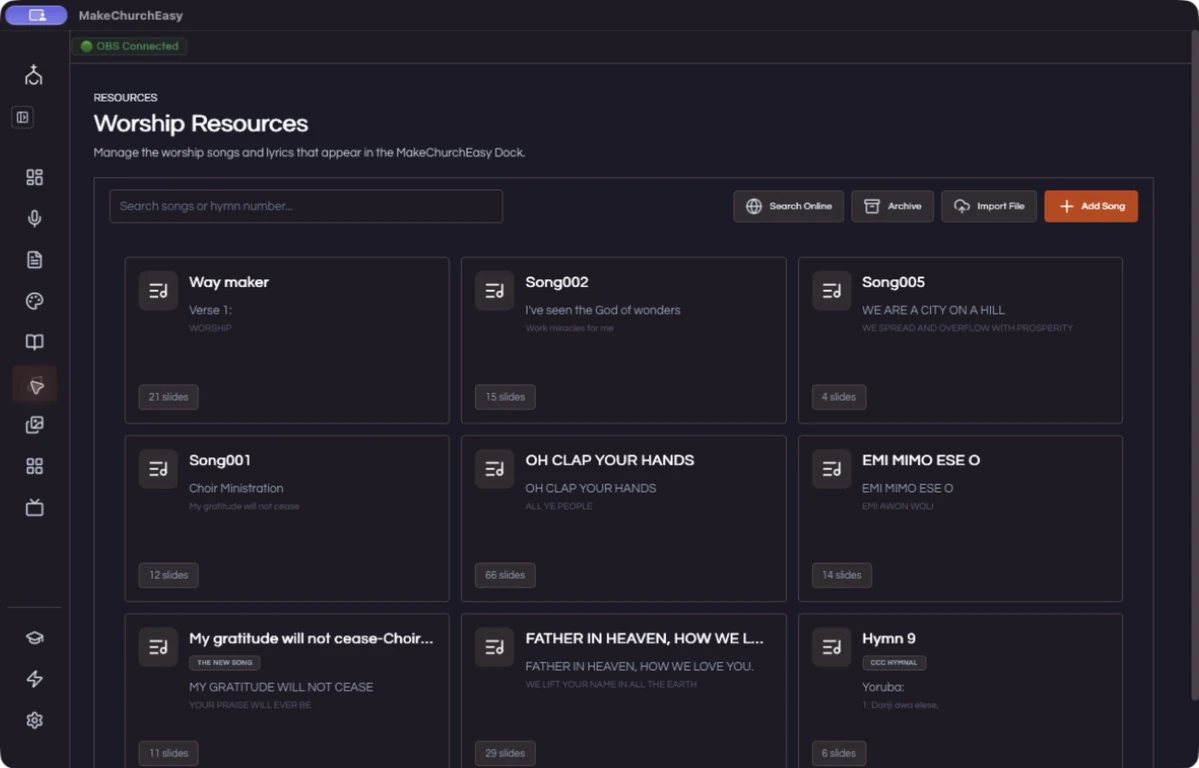
Find the passage
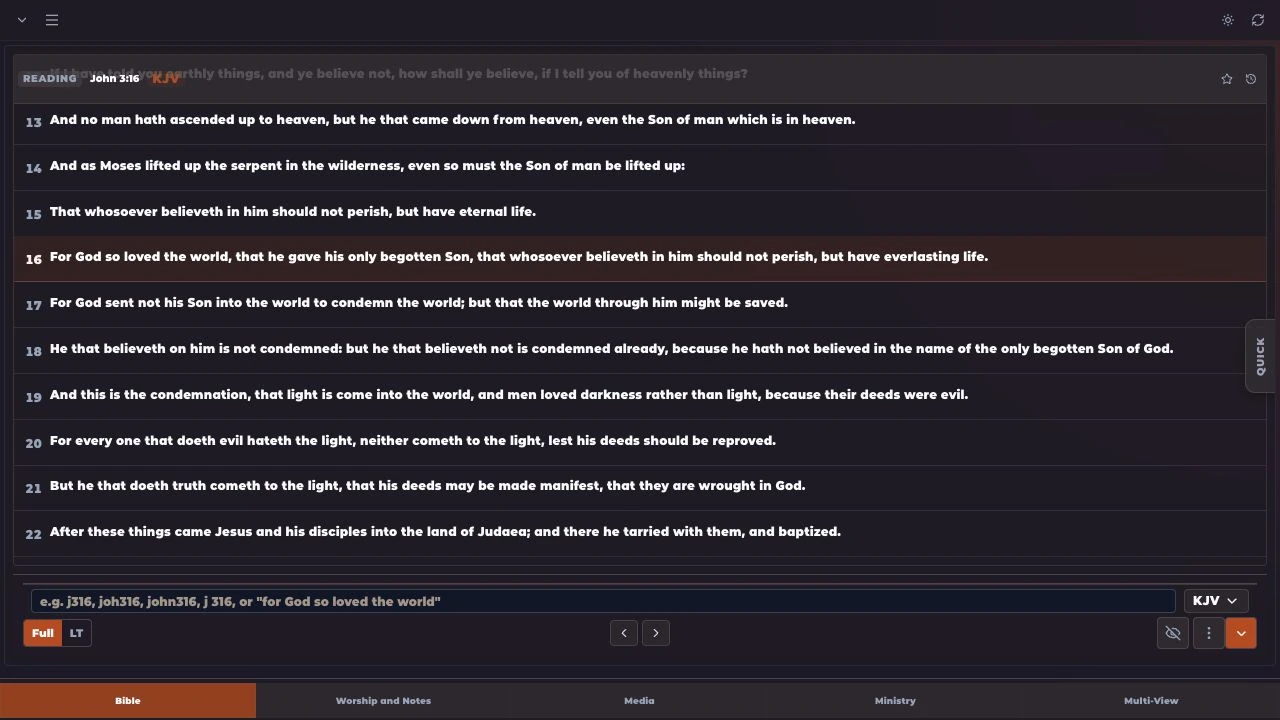
Enter a Bible reference in the search field, or move through the chapter to choose your verse.
Inside MakeChurchEazy
Find and display scripture quickly with multiple Bible versions and translation tools. Keep the passage ready, then put it on screen when it matters.
Get MakeChurchEazySee how it worksA LITTLE PREPARATION. A SMOOTHER SERVICE.
Search a reference. Select a verse. Present it.
Enter a Bible reference in the search field, or move through the chapter to choose your verse.
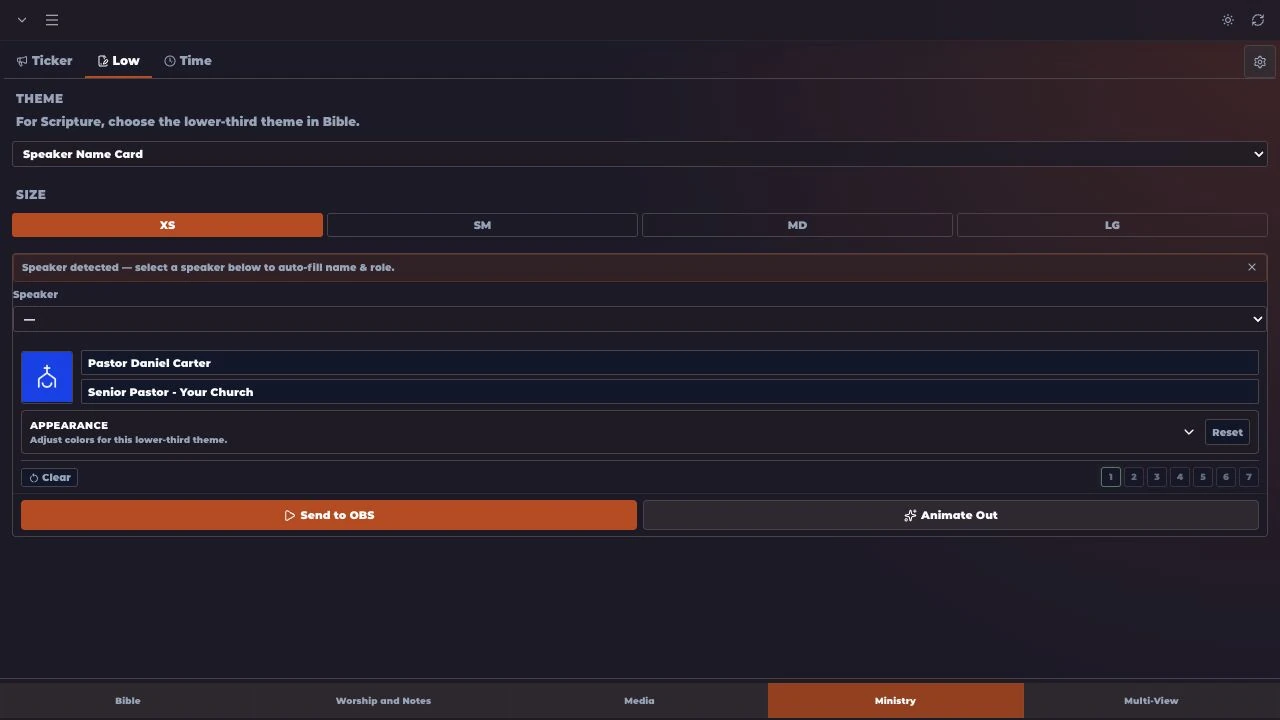
Select your Bible version, theme and text size. Use a full screen presentation or a lower third over your video.
Present the selected verse, then use the navigation controls to move through the passage as the preacher continues.
Yes. Use Compare Translations in the Bible output controls to prepare a comparison using the available versions.
Choose the lower-third output to place scripture over your video. Full screen is available when you want the passage to fill the presentation.
Downloaded Bible content can be used for local presentation after setup. Sign-in, additional downloads and cloud services need an internet connection. Download limits vary by plan.
Feature availability and limits vary by plan. Compare current plans.
KEEP EXPLORING
FOR THE PEOPLE BEHIND THE SERVICE