
Add the details
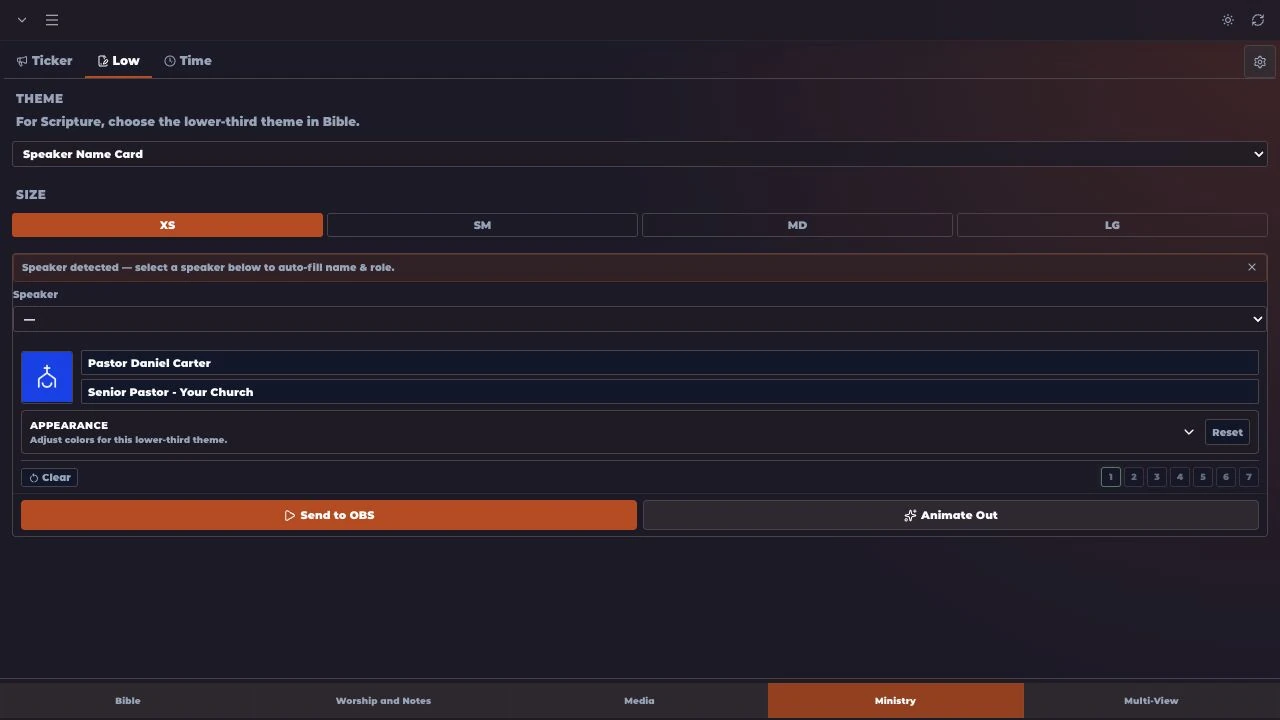
Enter the speaker’s name and title, or the announcement you want your viewers to see.
Inside MakeChurchEazy
Display pastors, speakers, titles and announcements. Choose a theme, add the details, and bring a polished lower third into your OBS output.
Get MakeChurchEazySee how it worksA LITTLE PREPARATION. A SMOOTHER SERVICE.
Speaker names, titles, and announcements.
Enter the speaker’s name and title, or the announcement you want your viewers to see.
Select a lower-third design and review how your text fits before displaying it.
Show the lower third when the speaker begins, then clear it when the introduction is complete.
Use it for a pastor or guest speaker’s name and title, or for a short announcement during your broadcast.
Yes. Choose from the lower-third themes available to your plan and adjust the supported settings in the editor.
Lower thirds are designed to sit over your video, keeping the speaker visible while adding useful information.
Feature availability and limits vary by plan. Compare current plans.
KEEP EXPLORING
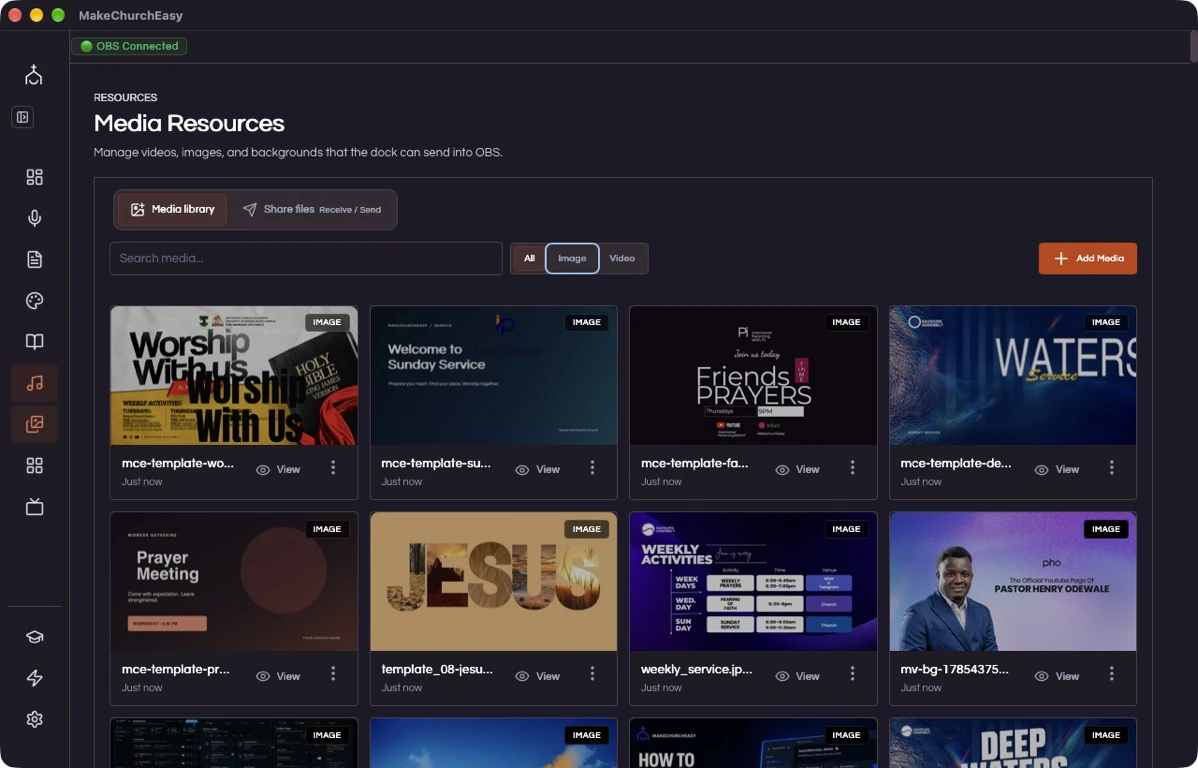
Media
A clear start. A ready team.
Tickers & countdowns
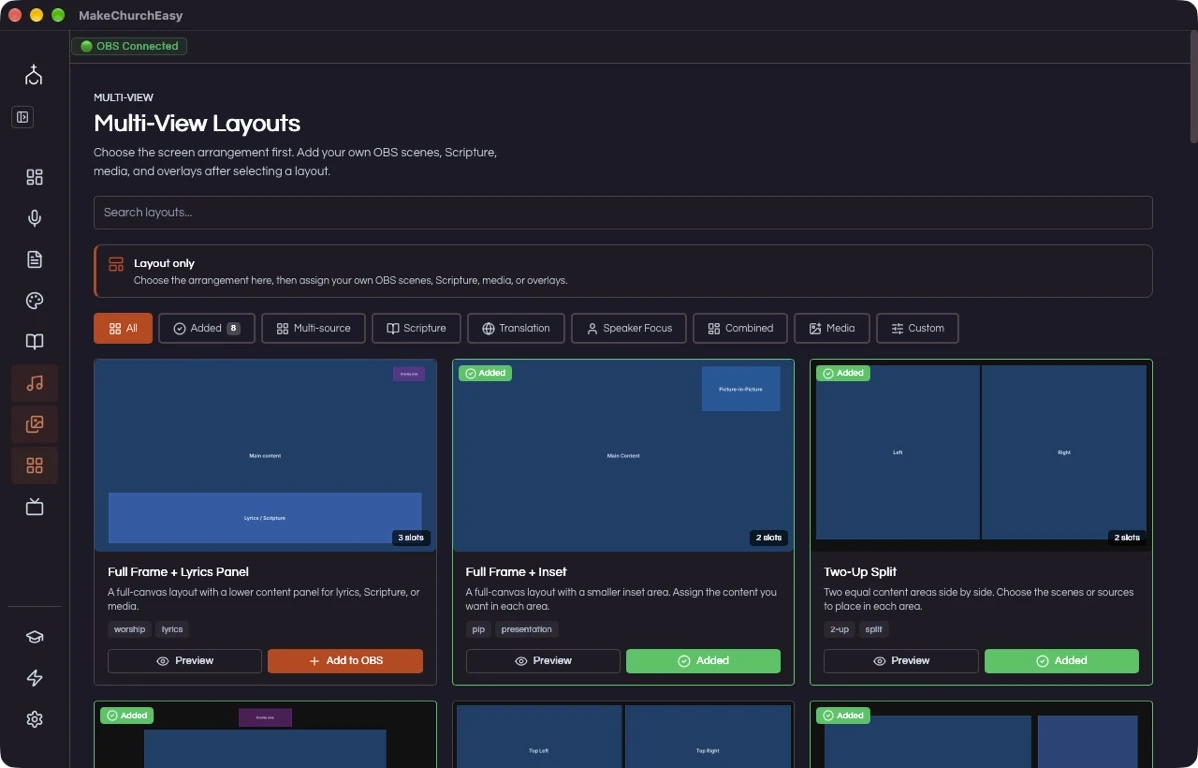
Multi-view
FOR THE PEOPLE BEHIND THE SERVICE