
THE MAKECHURCHEAZY TOOLKIT
Every part of your service.
One familiar workspace.
From the first song to the final amen. Explore the tools that bring your church presentation together inside OBS.
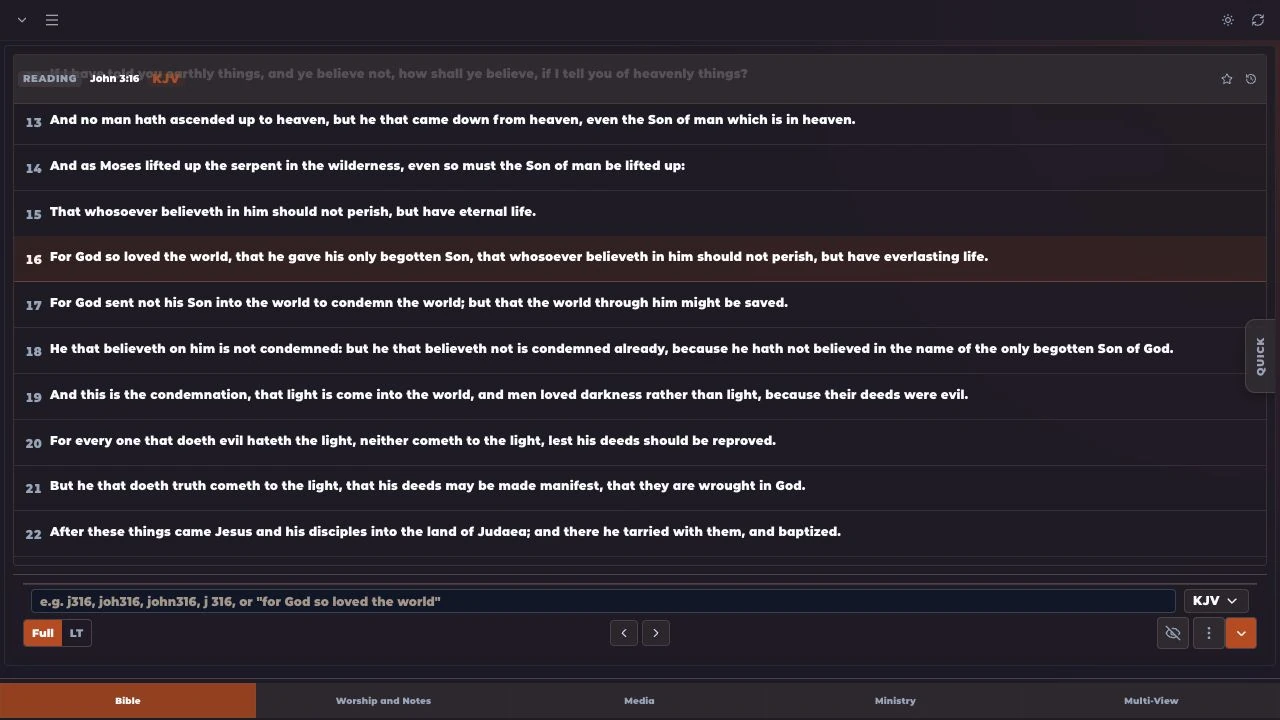
Bible
The right verse. Right on time.
Search and present Bible verses inside OBS Studio. Explore 1,000+ Bible versions in 250+ languages, compare passages and translations side by side, and update scripture on screen in real time without leaving the dock.
Explore Bible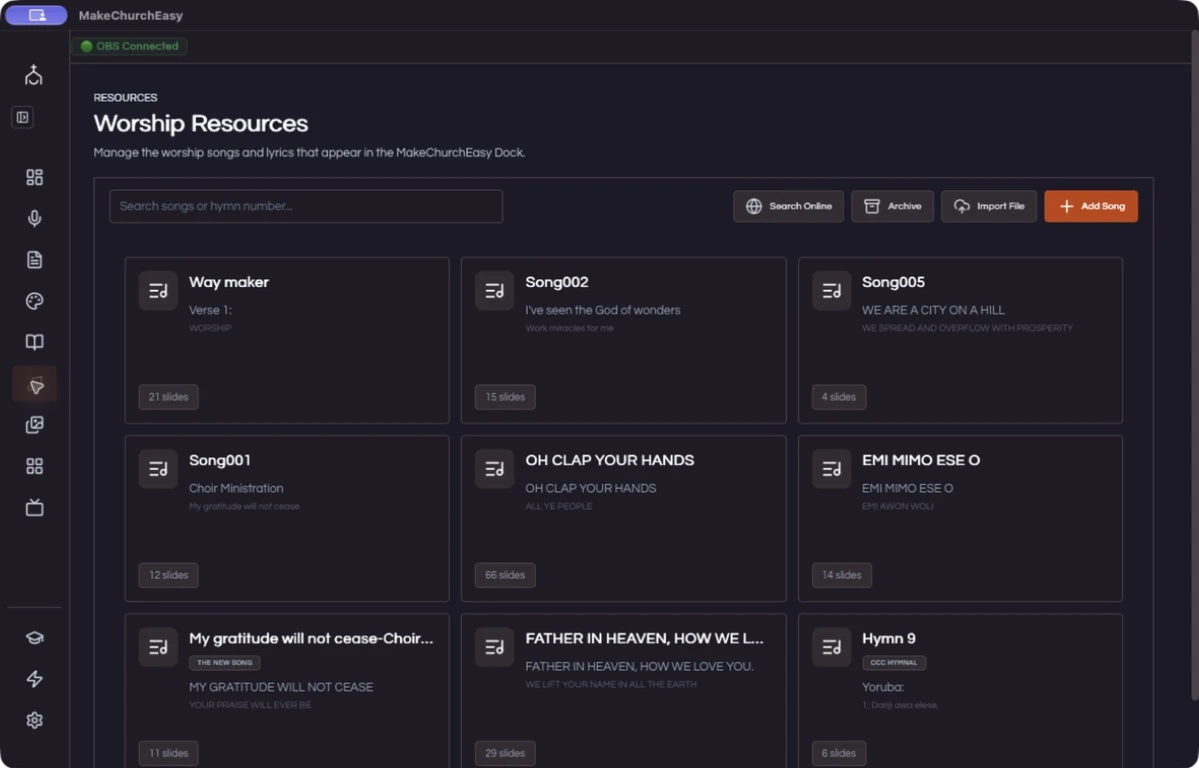
Worship
Keep every voice on the same verse.
Prepare and present worship lyrics from the same workflow. Keep your songs together, arrange the slides, and follow the service with confidence.
Explore Worship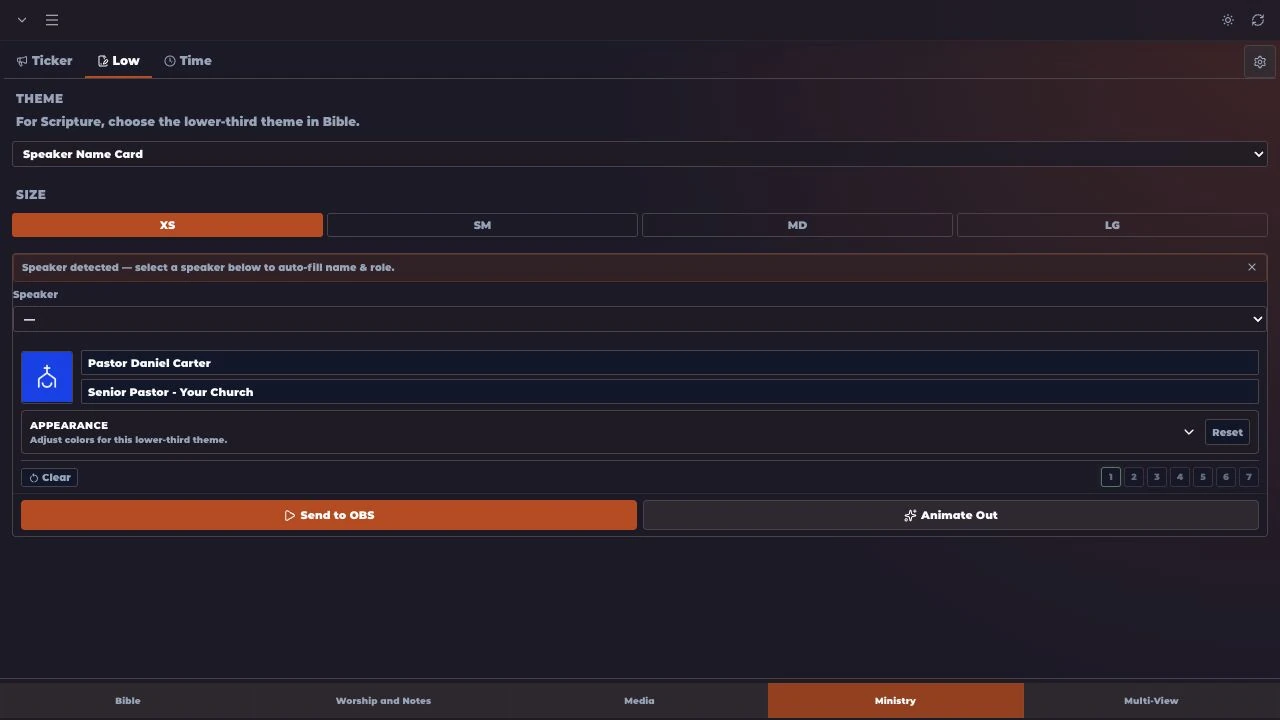
Lower thirds
Give every speaker a proper introduction.
Display pastors, speakers, titles and announcements. Choose a theme, add the details, and bring a polished lower third into your OBS output.
Explore Lower thirds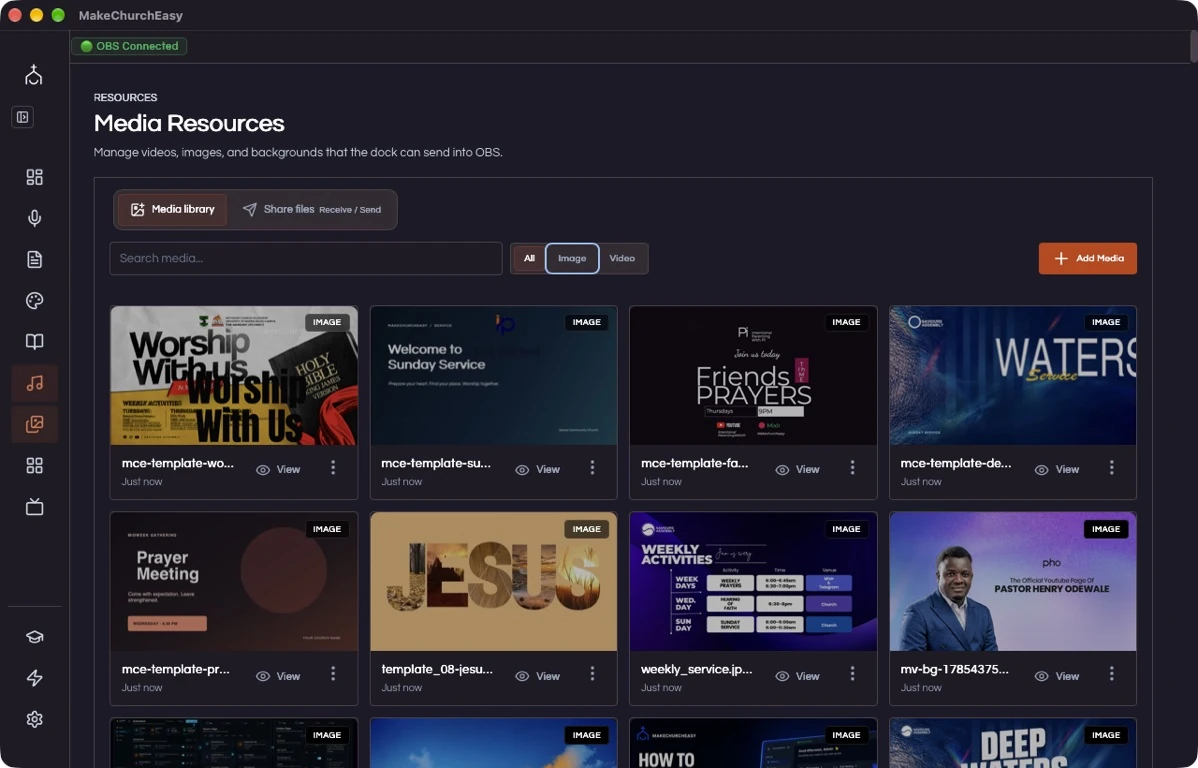
Media
Everything you want the church to see.
Show church graphics and media quickly. Keep your service artwork, images, and videos in one place, ready to send into OBS.
Explore Media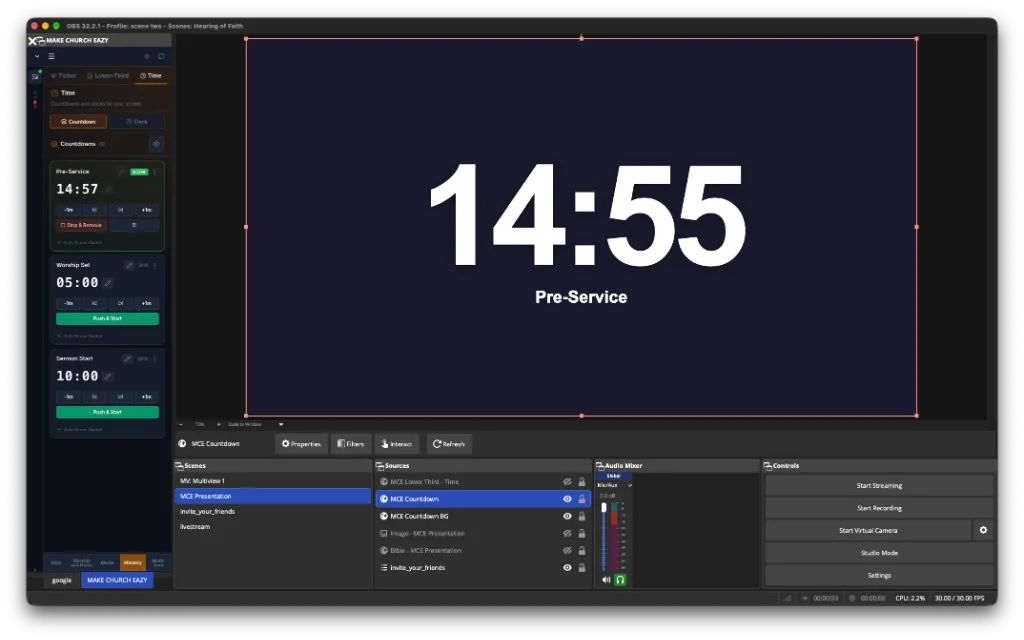
Tickers & countdowns
Set the pace for your service.
Handle announcements, information and service countdowns. Keep the team on time and the congregation informed.
Explore Tickers & countdowns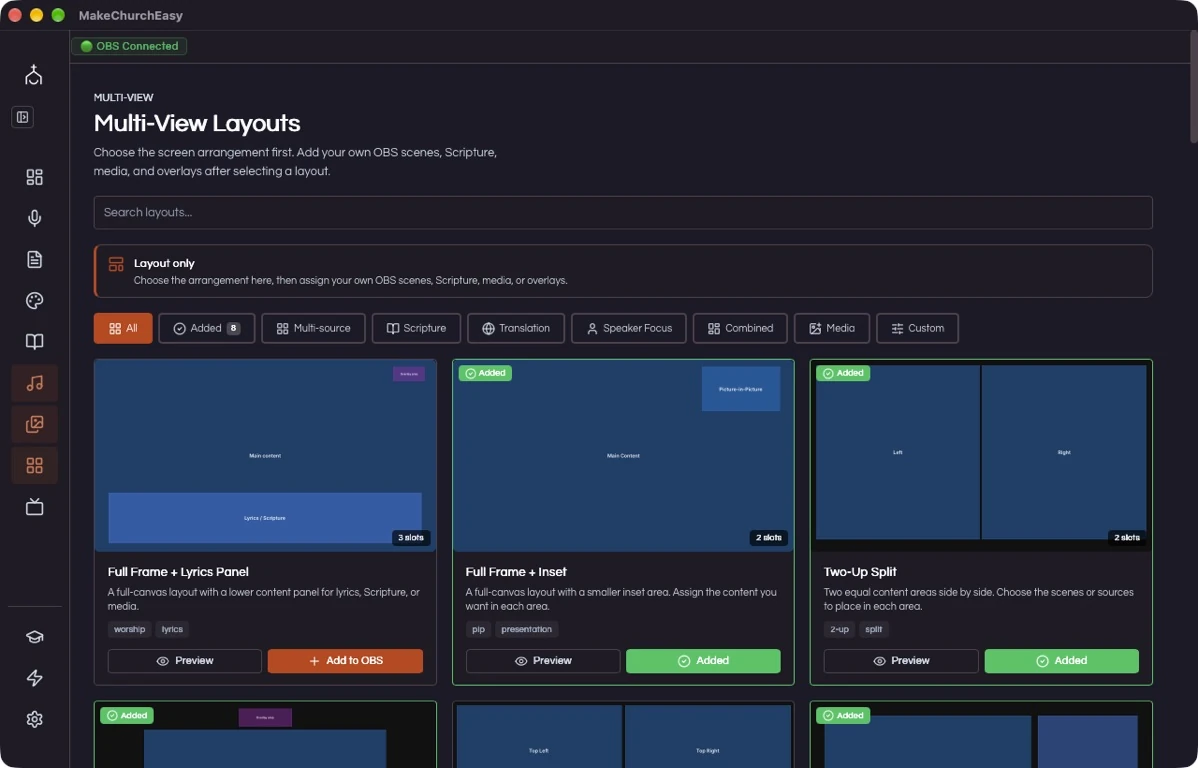
Multi-view
More on screen. All working together.
Manage different presentation outputs more easily. Choose a layout and bring your OBS scenes, scripture, media, and overlays together.
Explore Multi-viewverse sixteen.”
For God so loved the world, that he gave his only begotten Son…
Ready to review and presentVerse AI
Speak it. Show it.
Connect a microphone or OBS audio input. Verse AI listens for spoken Bible references and suggests the passage so your operator can review it, choose a translation, and prepare it for presentation from inside OBS. Speech recognition and AI features require internet access and depend on your plan and credits.
Explore Verse AIFeature availability and limits vary by plan. Compare plans
LESS SETUP. MORE SERVICE.