
Choose your timing
Set up a countdown for the start of the service, or choose the timer or clock you need.
A clear start. A ready team.
Illustrative example
Handle announcements, information and service countdowns. Keep the team on time and the congregation informed.
Get MakeChurchEazySee how it worksA LITTLE PREPARATION. A SMOOTHER SERVICE.
A clear start for every part of the service.
Set up a countdown for the start of the service, or choose the timer or clock you need.
Prepare a ticker with a short welcome, announcement or message for viewers.
Use the Dock’s controls to manage the countdown and on-screen information as your service progresses.
Yes. Prepare a service countdown and display it in your presentation output before the service starts.
A ticker keeps a short message moving across the screen. Use it for welcome information, announcements or other service details.
The Dock includes countdown, timer and clock tools. Visit the plans page to check current feature availability.
Feature availability and limits vary by plan. Compare current plans.
KEEP EXPLORING
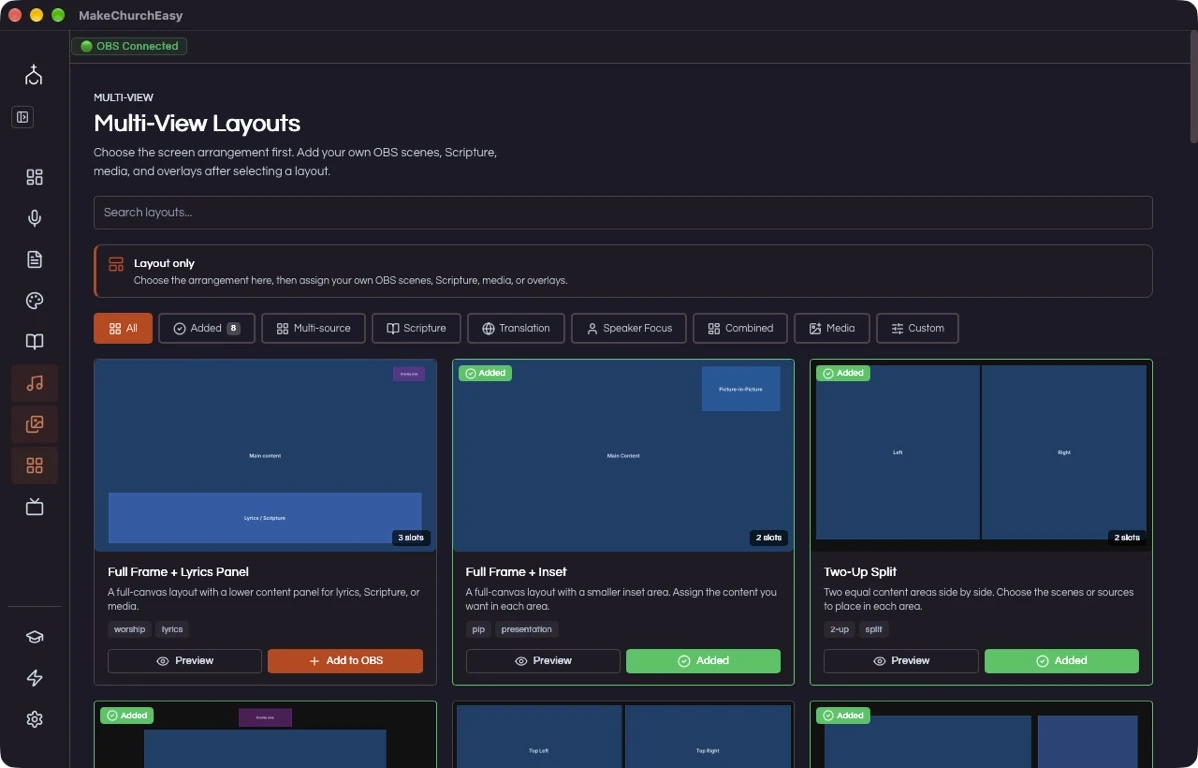
Multi-view
For God so loved the world, that he gave his only begotten Son…
Ready to review and presentVerse AI
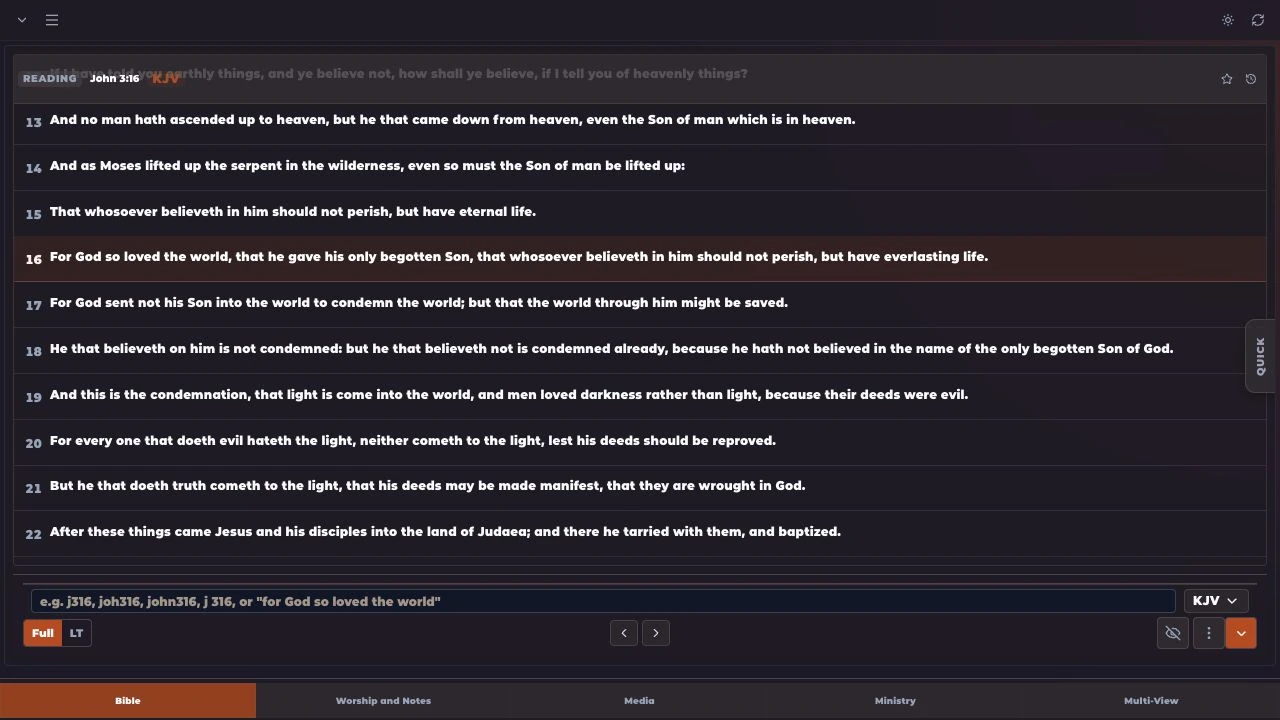
Bible
FOR THE PEOPLE BEHIND THE SERVICE