
Choose the arrangement
Browse the available layouts and choose how you want your content to share the screen.
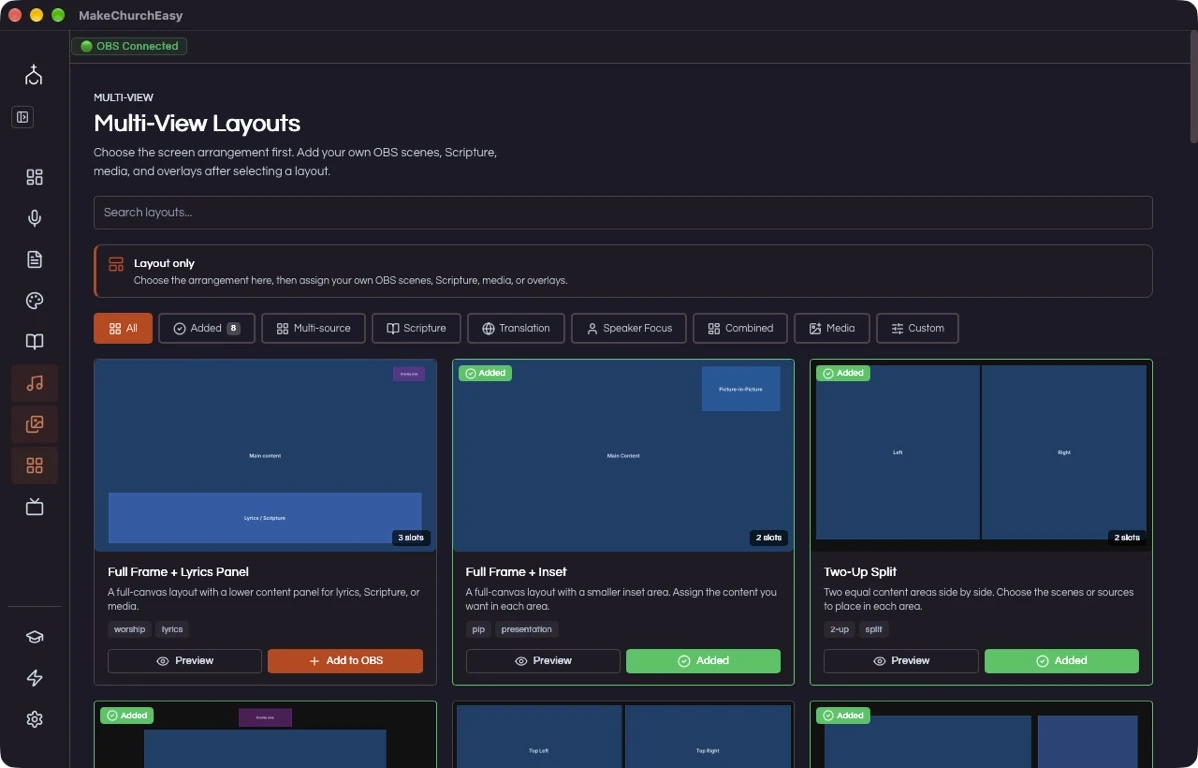
Inside MakeChurchEazy
Manage different presentation outputs more easily. Choose a layout and bring your OBS scenes, scripture, media, and overlays together.
Get MakeChurchEazySee how it worksA LITTLE PREPARATION. A SMOOTHER SERVICE.
Choose the arrangement. Add your content.
Browse the available layouts and choose how you want your content to share the screen.
Assign the scenes or content you need to the layout, then review the composition in OBS.
Use the prepared view during your service when you want multiple pieces of content visible together.
The layout library includes arrangements such as split screen and picture in picture. Available options may vary by plan.
Multi-view works with OBS scenes and sources, so you can build a composition around the content already in your production workflow.
Yes. Preview the layout and its sources in OBS before using it in a live service.
Feature availability and limits vary by plan. Compare current plans.
KEEP EXPLORING
For God so loved the world, that he gave his only begotten Son…
Ready to review and presentVerse AI
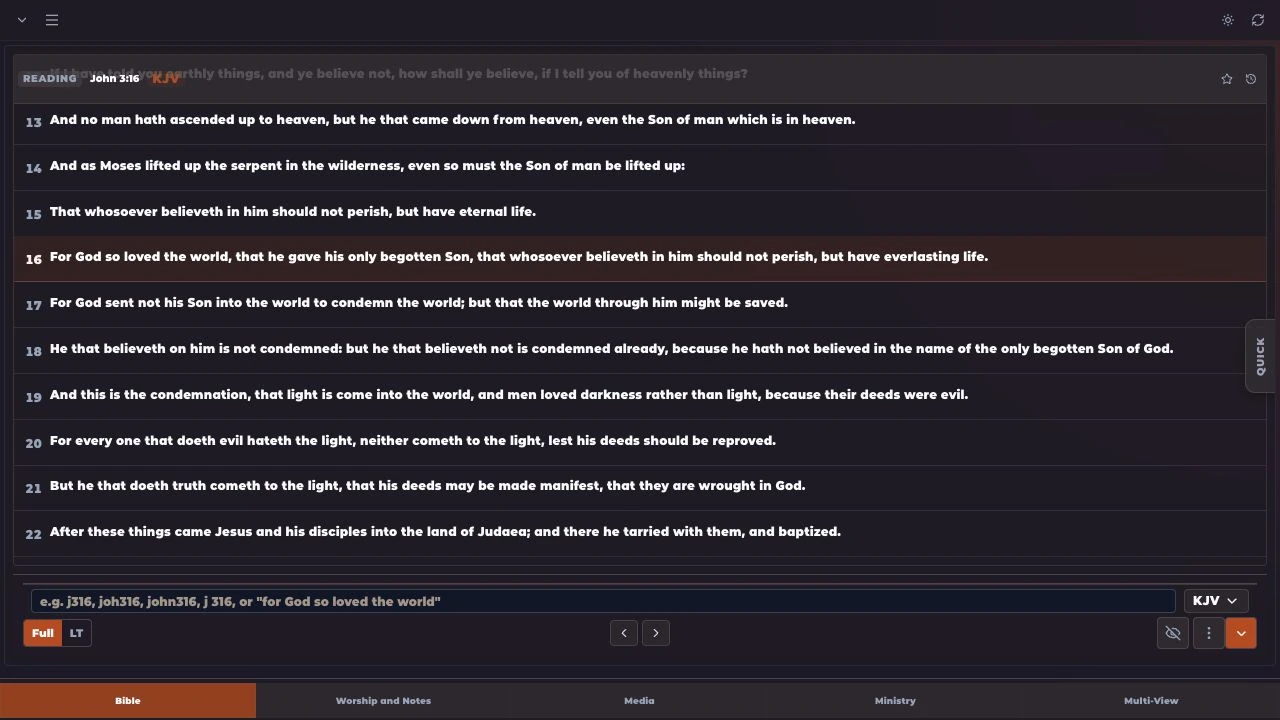
Bible
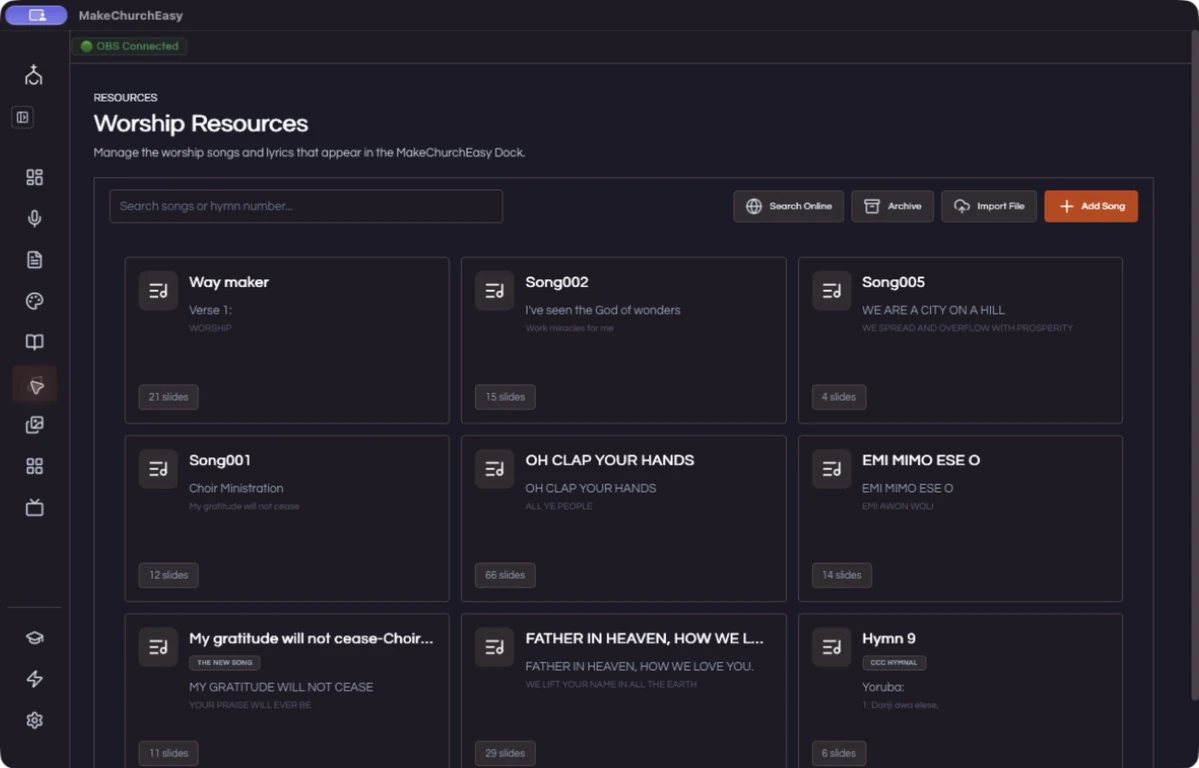
Worship
FOR THE PEOPLE BEHIND THE SERVICE